
Actiolife Lead
Every booth visitor, ready for follow-up the moment the show ends.
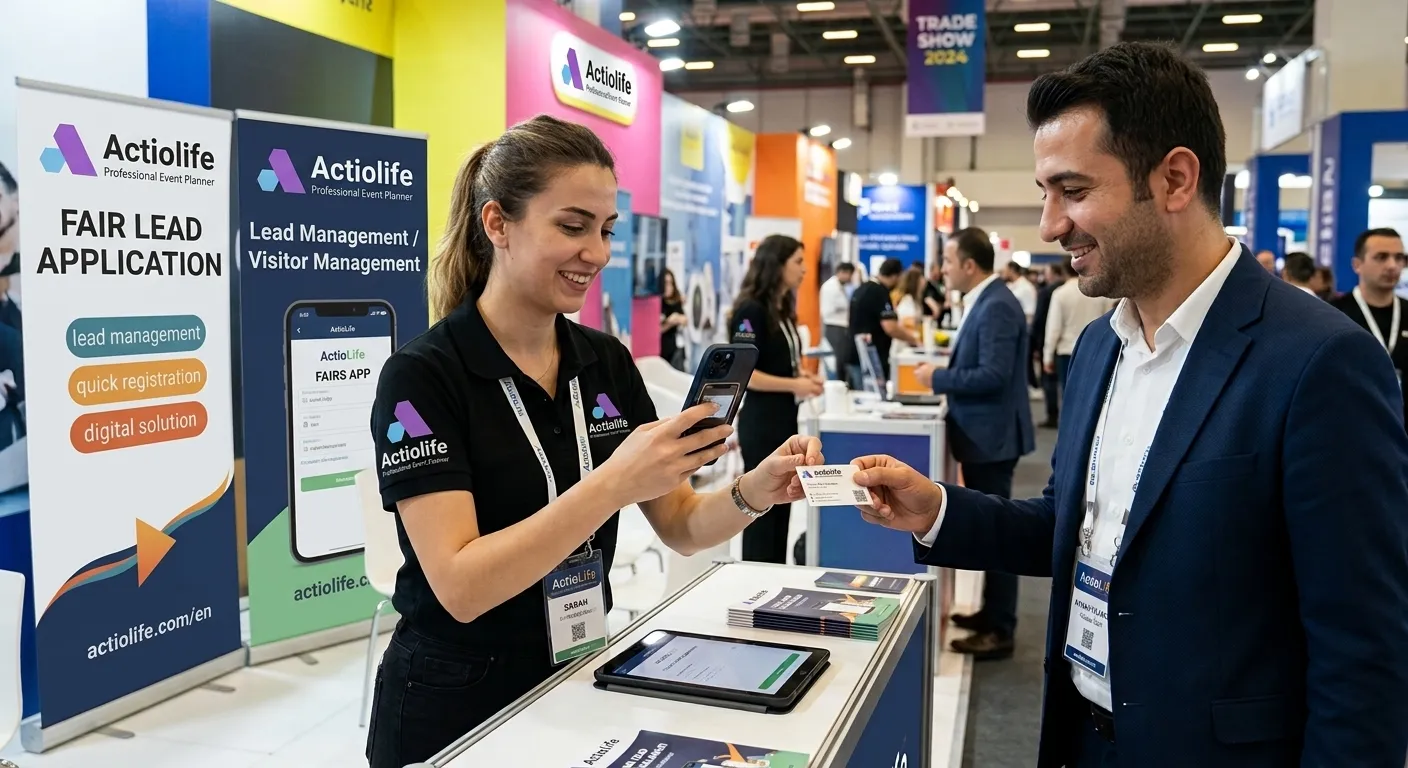
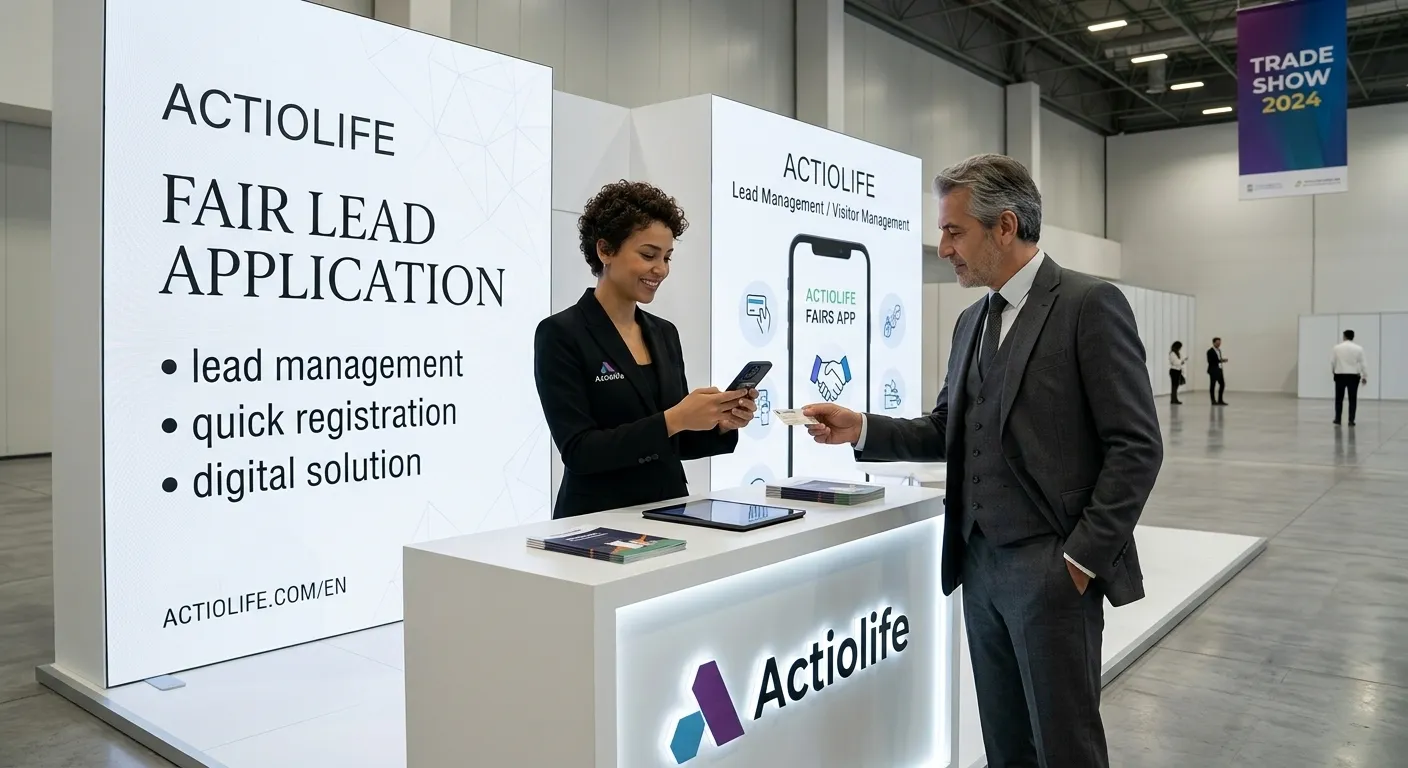
Your team snaps the business card or scans the QR code and the contact details fill themselves in. They add interests and notes with your own form and assign each lead to the right person. When the show closes, the list is ready for your CRM.
- Runs in the phone browser, nothing to install
- No lead lost when the connection drops
- Works at any show, with any organizer
Ten minutes before the show, one tap during it
Build your form
Start from a template (quick card capture, booth conversation, full qualification) or from scratch. Add your product groups, interests and questions.
Invite your team
Invite booth staff by email or with a link shared on WhatsApp. Staff need no password: they tap the link to sign in and stay signed in for the whole show. The status table on the event page shows what is still missing before the show.
Capture at the booth
Photograph the front and back of the business card, scan a QR code or type it in. Staff tick the options on your form, write a note and pick the follow-up owner.
Review and export
Admins step through leads side by side with the card image and fill in any gaps. Download as Excel or CSV in your own column layout or with the ready-made Salesforce template.
Fast at the booth, clean data back at the office
Replaces the paper form and the stack of business cards, so nobody has to type cards in after the show.
Business card reading
A photo of the business card is read by AI; first and last name, company, title, email and phone numbers fill the form automatically. Photos can also be picked from the gallery, and a card added to a QR lead fills in what the QR left out.
QR scanning
Reads vCard/MeCard QR codes on business cards and badges and puts the contact straight into the form. Works in the browser on iPhone and Android.
Works offline
Keep capturing when the hall Wi-Fi drops. Leads wait on the phone and are sent automatically once the connection is back, so none get lost.
Your own form
Build the form with drag and drop: single and multiple choice, text, date, priority and more. You decide which fields are required, and forms can be copied to the next show.
Duplicate detection
If the same person comes back, they're recognized by email, mobile number or QR code. No second record: the visit is added to the existing lead and any differing details are shown to staff.
Follow-up owners
Assign every lead to the sales rep who will continue the conversation. Owners get an email summary, then call, update the status and add notes from their own list.
Admin review screen
Approve leads one by one next to the card image, with keyboard shortcuts. Incomplete, unreviewed, possible-duplicate and unassigned leads each have their own filter.
Excel, CSV and Salesforce
Set columns, headers and separators to match your CRM, or use the ready-made Salesforce Lead template. The card image comes through as a link in the export.
Trial mode
A new event opens in trial mode, so your team can try the app under real conditions before the show. When you activate the event, you either keep the trial leads as real ones or delete them.
Event summary
Total leads, unreviewed and incomplete records at a glance, broken down per person, by day, by source (business card, QR, manual) and by follow-up status.
Delete with a reason, restore
Staff give a reason when they delete a record. Nothing is lost: admins see the reason and can restore the record.
Archive and safe deletion
Ended events move to the archive automatically, and leads exported to your CRM are archived so they stay out of the next export. Deleting all of an event's data is confirmed with a code sent by email.
No setup, no hardware, no passwords for staff
No need to rent lead scanners or connect to the organizer's system. Your team's own phones are enough.
-
Phone browser
No app store. Open the link, add it to the home screen and it works like an app. Admin screens also run on desktop.
-
Easy sign-in
Staff sign in with their invitation link or a one-time code sent by email: nothing to memorise, no shared accounts. Admins can also set a password or sign in with Google.
-
Flexible team
Add as many staff to the event as you like. The seats in your package set how many can capture at the same time; when someone finishes their shift and signs off, the seat passes to the next person.
-
Your data stays yours
Each company's data is kept separate and only your own team sees the card images. The company admin accepts a data processing agreement before anyone starts. On a deletion request, the person's details are erased from the lead and the action is logged.
Are you the event organizer? If you want your exhibitors to collect consented visitor leads by scanning the QR code on Actiolife badges, see the organizer-side solution.
Exhibitor Lead Management →Trade show lead app FAQ
Does the show have to be run on Actiolife?
+
No. Actiolife Lead is the exhibitor's own tool; use it at any show, with any organizer. You capture visitors from their business card, a QR code or by typing them in.
Do we need to install an app on our phones?
+
No. Actiolife Lead runs in the phone's browser: Safari on iPhone, Chrome on Android. Staff can add it to the home screen to open it like an app.
What happens if there's no internet in the hall?
+
You keep capturing. Each lead is saved on the phone first and sent automatically once the connection is back. Card photos wait on the phone too and are read after upload. A connection is only needed for the first sign-in.
How accurate is business card reading?
+
Cards are read with AI and the result only fills empty fields on the form. Staff see the details before saving and can correct them; admins check them against the card image on the review screen.
What if the same visitor comes to the booth twice?
+
There's one lead per person per event. If the email, mobile number or QR content matches, staff are alerted and new details are added to the existing lead; the visit count goes up. Filled fields never change on their own; differences are shown to staff.
How do we get leads into our CRM?
+
Download the lead list as Excel or CSV. Define columns, headers and the multi-value separator once in a template that matches your CRM's import format; there's a ready-made template for Salesforce Leads.
How many staff can use it?
+
Add as many staff to the event as you like. How many can capture at the same time depends on the seats in your package, and extra seats are available. When someone ends their shift, the seat moves to the next person.
How is visitor data protected?
+
Each company's data is kept separate and is only visible to that company's team. Card images are shown only to signed-in event staff. If someone asks for their data to be deleted, an admin erases their details and images in one step.
How is it priced?
+
Each package covers one event and comes with a set duration, number of leads and number of concurrent seats; extra seats can be added. After signing up you'll see packages and prices (TRY, USD or EUR) on the credits page in the app. Write to us for a tailored quote.
Can we try it before buying?
+
Yes. Sign up and your company starts in trial mode: try your form and team under real conditions with 20 leads and 3 concurrent seats. No credit card needed. When you activate the event, you choose whether to keep or delete the trial leads.
What happens to the data after the show?
+
The event keeps accepting late-arriving records for three days after it ends, then moves to the archive; records and exports stay available. Business card links in exports stop working one week after the event's last day. To delete an event completely, you confirm with a code sent to your email.
Related features
Leave your next show with a lead list, not a stack of cards.
Open a free trial account now, or tell us about your show and team and we'll set up your form together.